


Anthtker Portable Power Station
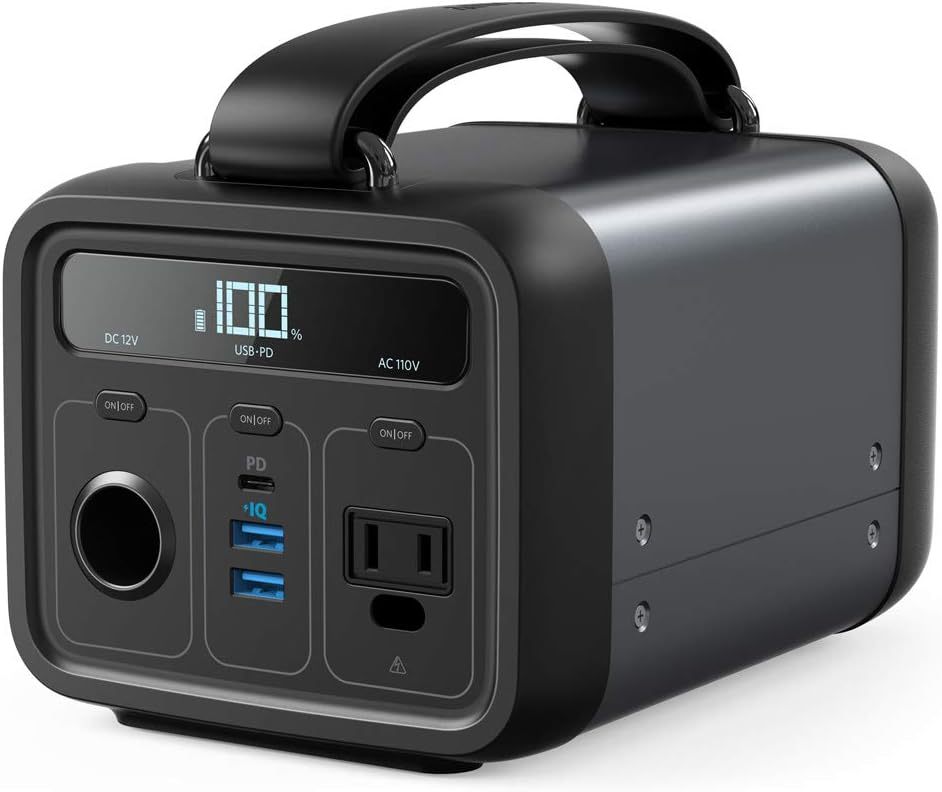
PowerHouse 200
The successor to the original clean and silent portable generator.
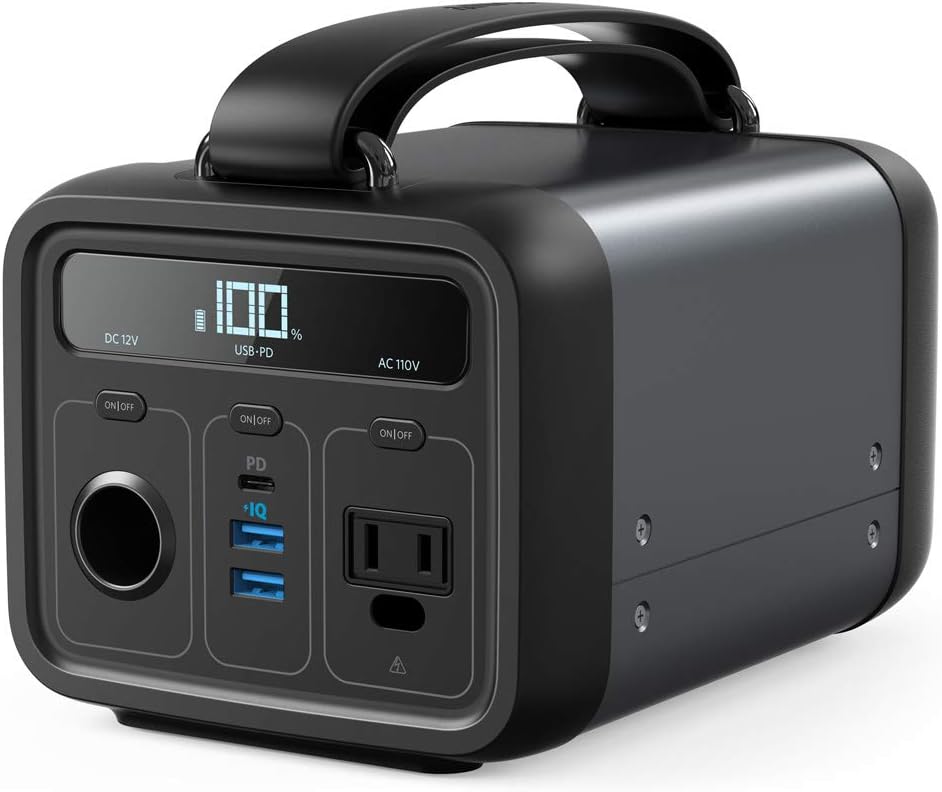
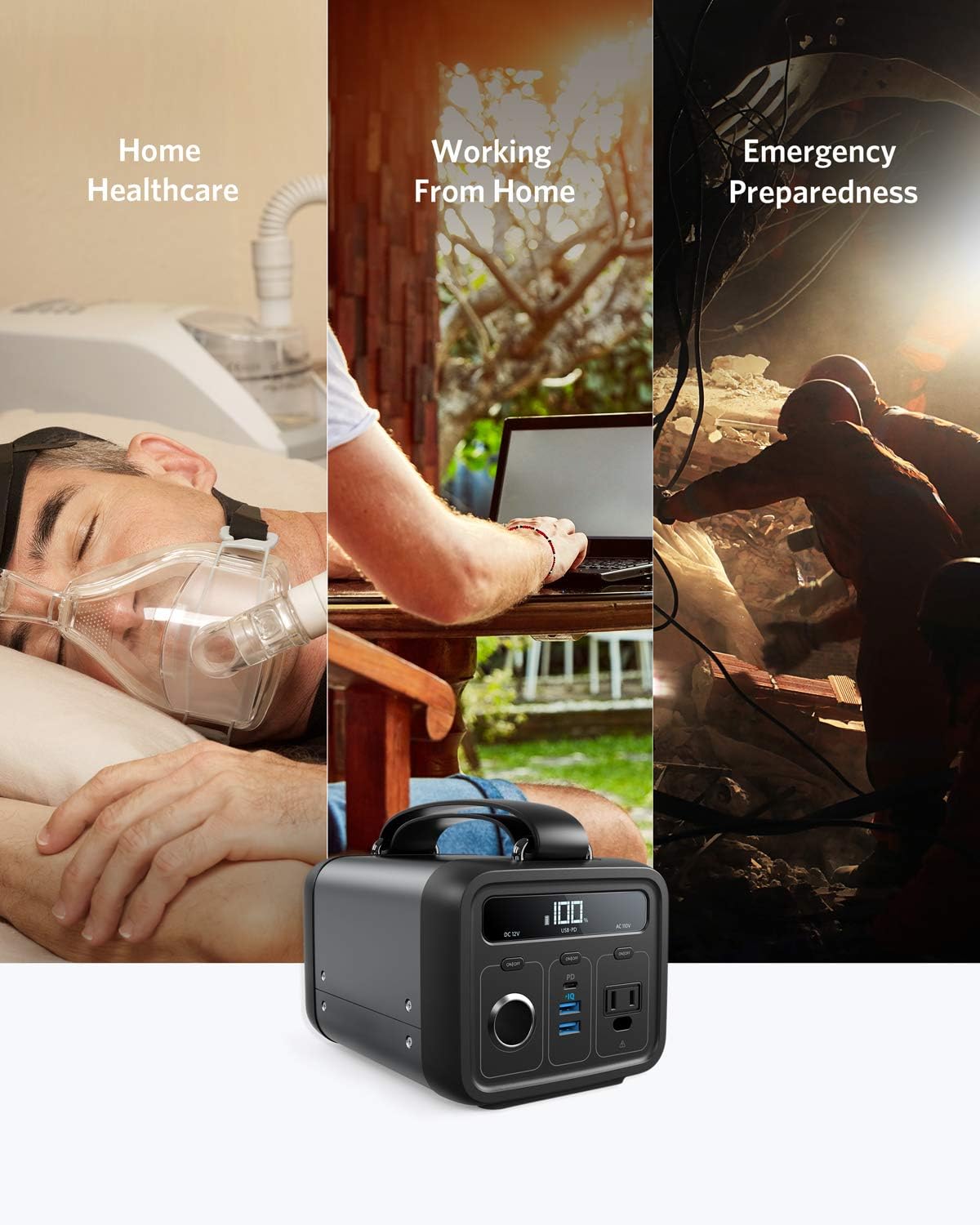
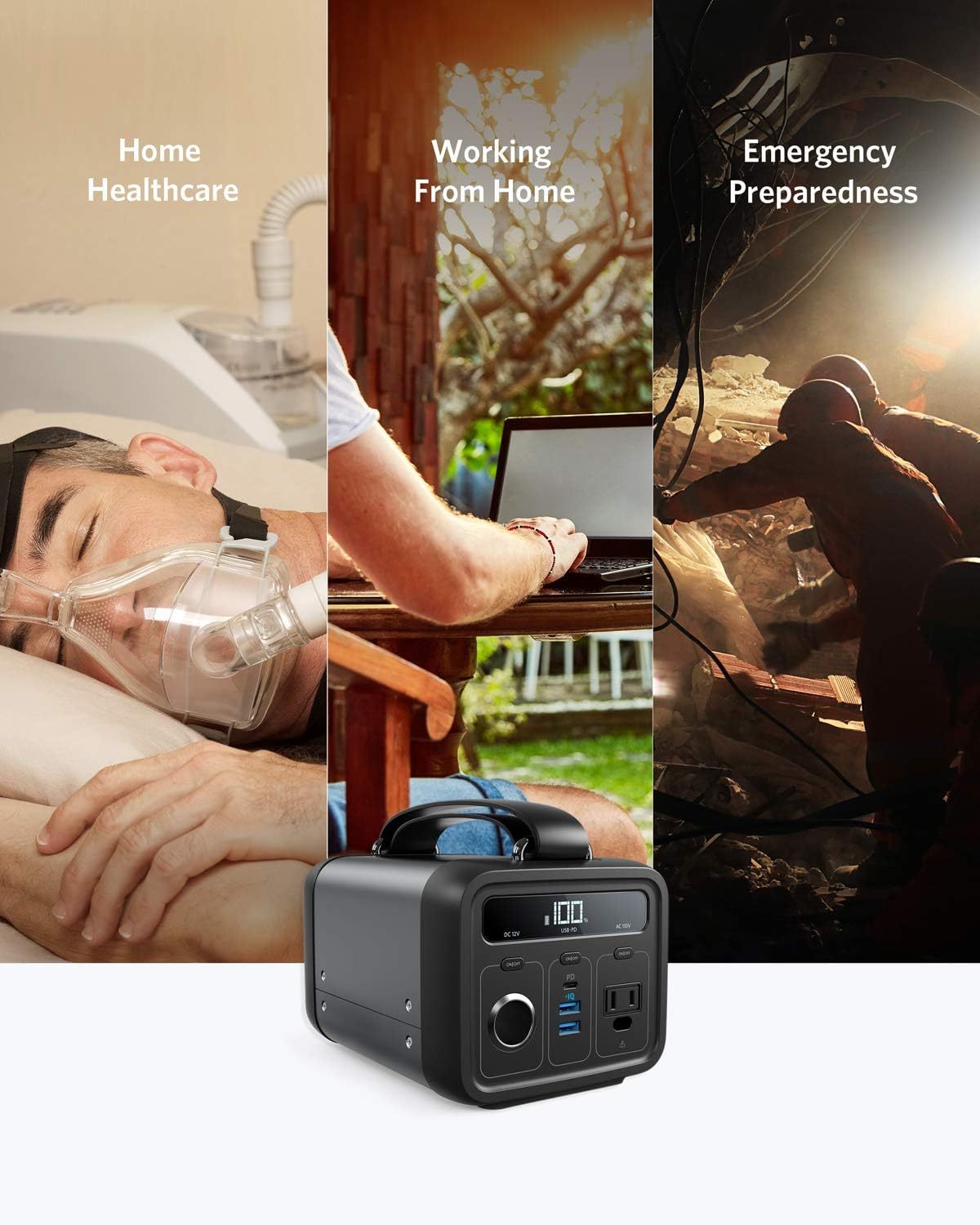
Ideal for outdoor adventures, emergencies, or as supplementary mobile power for home medical equipment, PowerHouse 200 has the power, versatility, and portability to handle any challenge.
- Enormous Cell Capacity
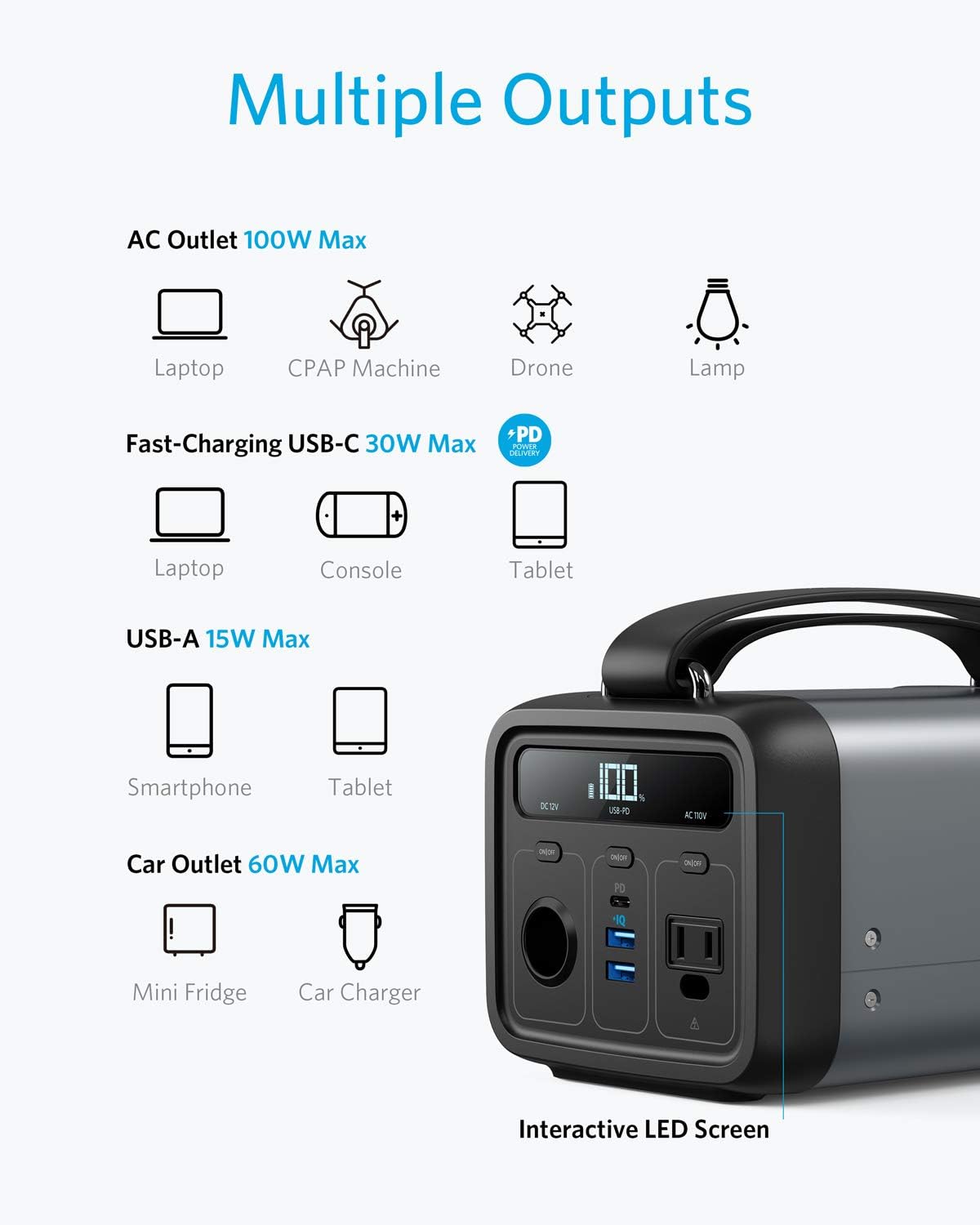
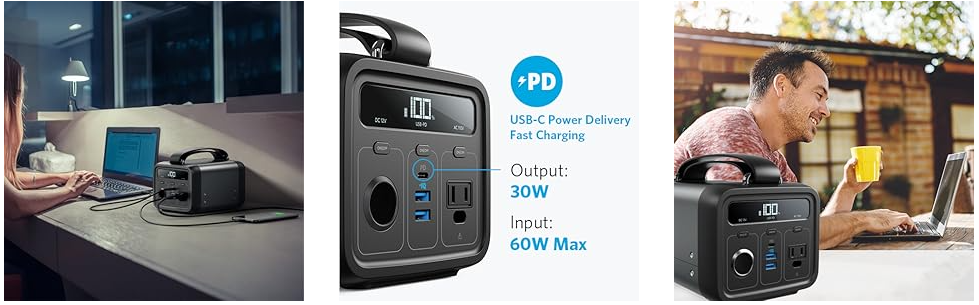
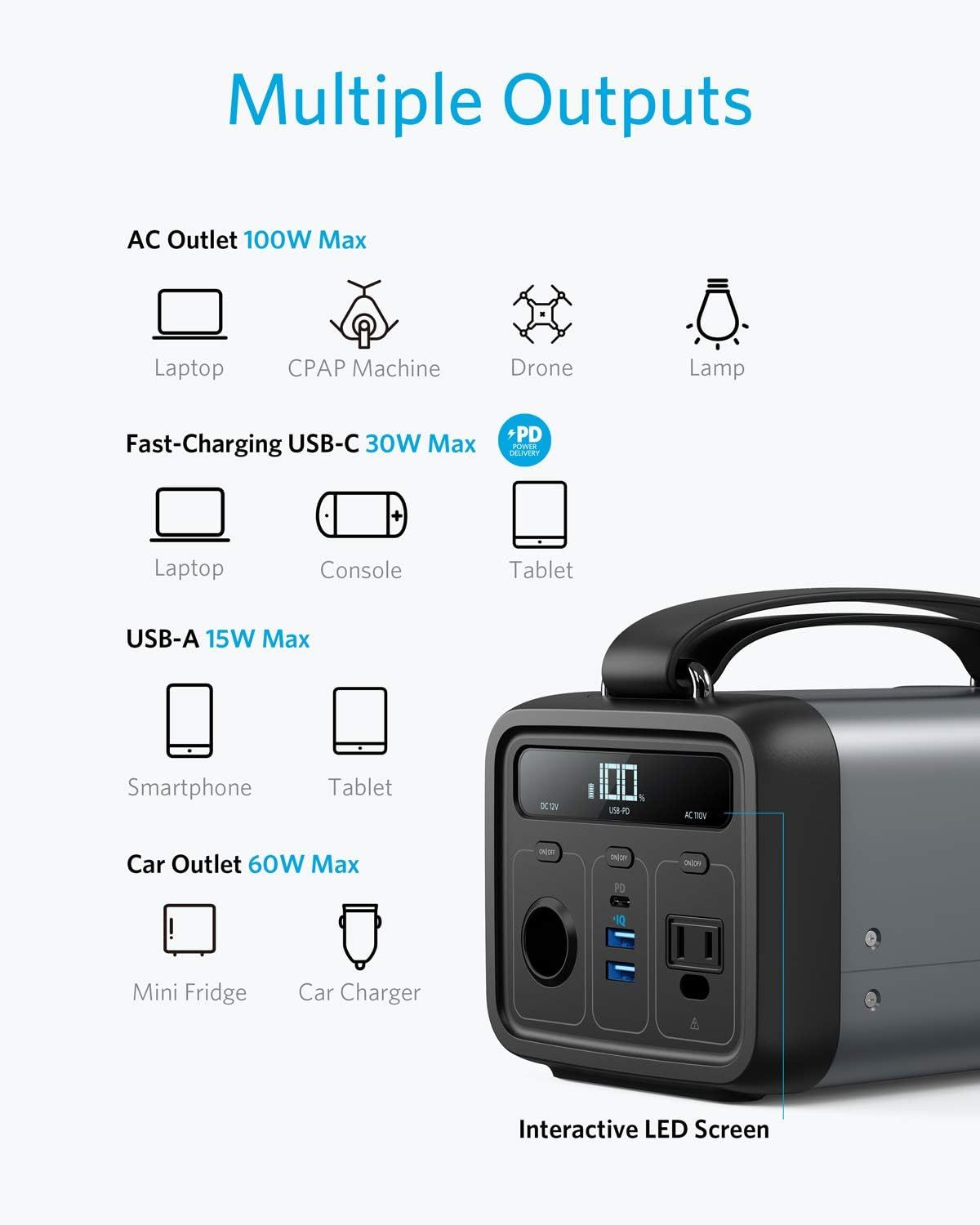
- 1 DC Outlet (12V), 1 AC Outlet, 1 USB Power Delivery Port, and 2 High-Speed USB-A Charging Ports
- Recharges via USB-C, AC, or Solar
- Superior Safety with MultiProtect
PowerHouse 200
The More Portable Clean & Silent Generator
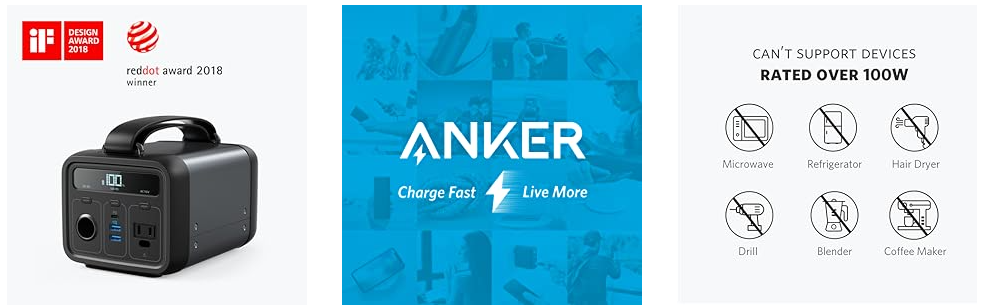
From Anker, America’s Leading Charging Brand
• Faster and safer charging with our advanced technology
• 50 million+ happy users and counting
USB-C Port Information
- To charge a USB-C device with the PD port, press the PD button before connecting your device. If the device is connected before the button is pressed, the device will use its battery power to charge PowerHouse, which may damage the connected device. - Compatible with USB-C MacBooks / iPad, iPhone 8 / X / XS / XS Max / XR (Lightning cable required), Android smartphones and tablets (including the Nexus 7), and other USB-charged devices. - Incompatible with HTC 10, HP Spectre, Dell XPS series laptops, Dell Venue series laptops, Asus series laptops/tablets, as well as Lenovo ThinkPad 470s and ThinkPad X1 tablets. Some USB-C laptops which require an input over 30W may not be compatible.
- Does not support high-speed charging for MacBook Pro, Samsung W700, Lumia 950, or Motorola Z Force Droid Edition. - Nintendo Switch will not charge when connected via HDMI. - Not compatible with devices with an input below 50mA (e.g. some Bluetooth headsets and GPS devices).
Pass-Through Charging PowerHouse is capable of pass-through charging while connected via a vehicle output or AC outlet. It will not replenish its own battery if the power requirements of connected devices exceed that of input.

Notes
- Solar charging requires a 5-22V solar charger with 5.5*2.1 mm DC output. Recharging will be faster at higher voltages.
- AC Port Frequency Setting: Press the PD and AC buttons at the same time to change the frequency. After entering option mode, press the PD button to switch between 50% (50Hz) and 60% (60Hz).
- If you feel that the battery drains fast when used for the first time, it is because the display information of the remaining power is inaccurate when the product is activated for the first time. The power remaining will automatically calibrate by discharging the battery to 1% and then recharging it to 100%.

Quizás también te guste
-
Air Max 270 Bajo Blanco Fucsia Sueño
-2.jpg?w=1728&h=2160) En oferta
En ofertaAir Max 270 Bajo Blanco Fucsia Sueño
€29,99 EUR €160,00 EUR -
Air Max Plus Premium "Vachetta Tan Gomme"
 En oferta
Air Max Plus Premium "Vachetta Tan Gomme"
€29,99 EUR €185,00 EUR


-7.jpg?w=1728&h=2160)

-5.jpg?w=1728&h=2160)

-4.jpg?w=1728&h=2160)